Businesses rely on technology to communicate, collaborate, store information, and serve customers. But purchasing and maintaining software can be expensive and time-consuming. Software as a Service (SaaS) gives your business a convenient way to use applications through the internet, freeing your on-site systems to focus on day-to-day needs.
SaaS provides access to cloud-based applications without the cost and complexity of installing, maintaining, and updating software on-site. Tools such as Microsoft 365, QuickBooks Online, and Zoom support collaboration, remote work, scalability, and predictable subscription costs. TenHats helps Knoxville businesses select, secure, manage, and integrate SaaS solutions that support their operational growth needs.
What Is SaaS?
Many businesses need essential software without the cost and complexity of purchasing, installing, and maintaining it on-site. Cloud-based tools support:
- Remote access
- Collaboration
- Scalability
- Predictable costs
Providers also handle routine updates and security patches, reducing the burden on internal IT teams.
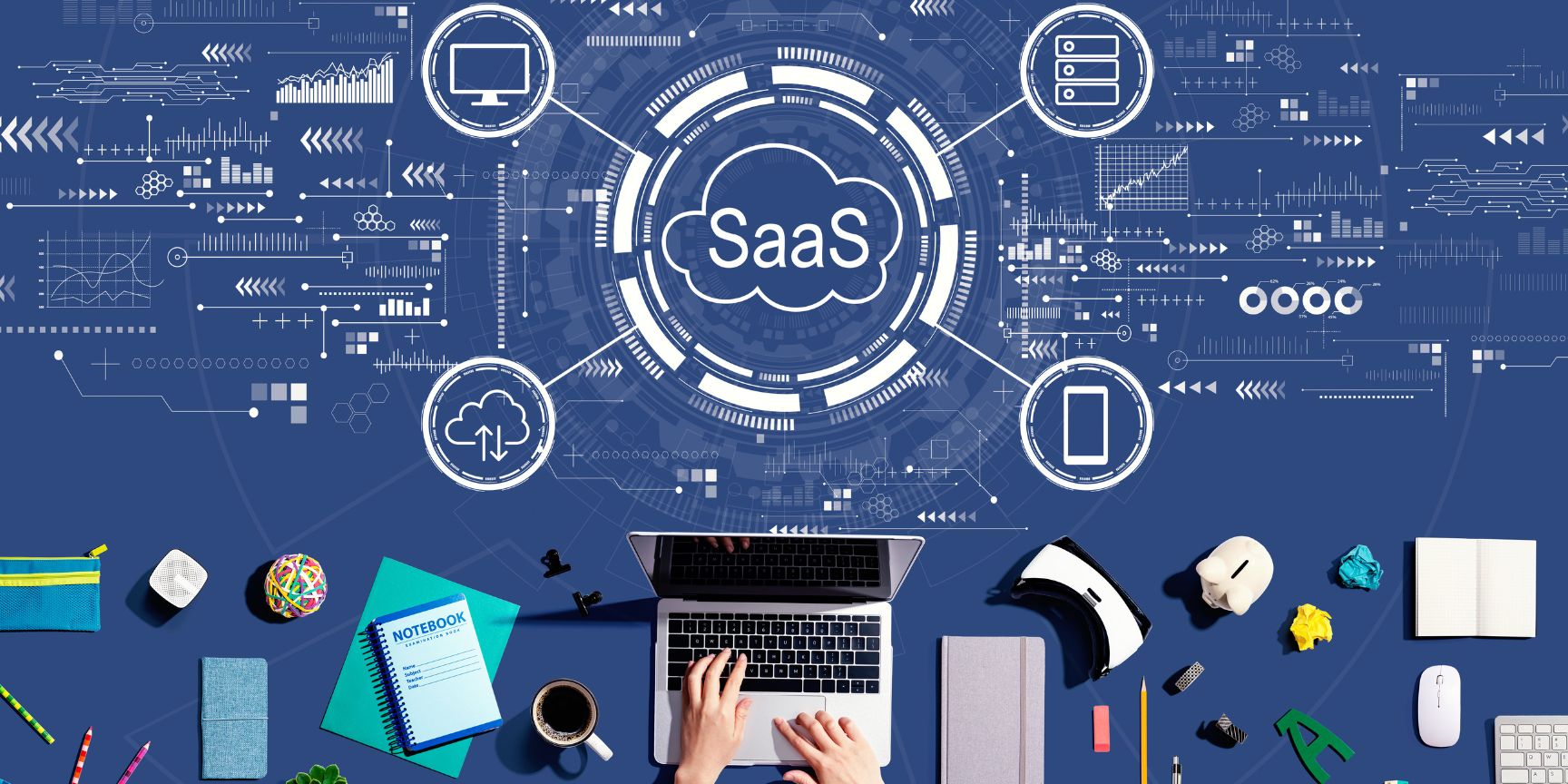
So what is SaaS? Short for software as a service, SaaS is a cloud-based software delivery model in which a provider hosts, maintains, and updates an application for its customers. Rather than installing software on every computer or managing servers in-house, your employees access the software through a web browser or mobile app.
In most cases, the provider handles the technical work behind the scenes, including infrastructure, updates, availability, and core application maintenance. Your business pays for access, typically monthly or annually.
Common SaaS applications include many industry-specific platforms, including:
- Microsoft 365
- Google Workspace
- Salesforce
- QuickBooks Online
- Dropbox
- Zoom
Imagine a business that’s selling commercial real estate. They may use SaaS tools for client relationship management, document sharing, virtual meetings, marketing automation, and transaction tracking.
How SaaS Works

Traditional software usually requires a company to:
- Buy licenses
- Install programs
- Maintain equipment
- Plan for upgrades
SaaS changes that process by making software available through the cloud. Providers run the application in secure data centers, while users log in over an internet connection. This approach lets employees use the same platform from office computers, home workstations, tablets, or phones.
SaaS providers may offer different subscription plans based on the number of users, storage needs, features, or service level required. Businesses can often add or remove users as staffing needs change, helping them avoid paying for more technology than they need.
SaaS vs PaaS vs IaaS
SaaS, PaaS, and IaaS are all cloud-computing models. However, they differ mainly in how much technology the provider manages versus how much the customer controls.
SaaS delivers fully managed, ready-to-use applications through the internet. Users typically access the software in a browser, while the provider handles updates, bug fixes, maintenance, and infrastructure.
PaaS (platform as a service)gives developers a managed environment for building, testing, and deploying applications. It includes development tools and services, allowing teams to focus on coding instead of maintaining servers or databases.
IaaS (infrastructure as a service) offers the most control. It provides virtual machines, storage, and networking, while the customer manages operating systems and applications.
Examples of SaaS for Businesses
Many organizations already use SaaS, even if they don’t refer to it by that name. Email platforms, video conferencing systems, accounting software, cybersecurity tools, and customer relationship management platforms are often delivered as SaaS solutions.
The right SaaS stack depends on your organization’s size, industry, compliance obligations, existing systems, and growth goals. Common combinations used by businesses include:
- Productivity and communication: Microsoft 365, Teams, Outlook, SharePoint, and cloud file storage help teams create documents, communicate, and collaborate.
- Customer management: CRM platforms organize customer information, follow-up activities, sales opportunities, and reporting.
- Finance and operations: Cloud accounting, payroll, scheduling, and project-management platforms reduce manual work.
- Security: SaaS security tools can help protect identities, email accounts, endpoints, and sensitive data.
Why Businesses Choose SaaS
SaaS can make modern technology more accessible to small and midsize businesses. Instead of making a large upfront investment in software licenses and server hardware, your company can spread costs through a recurring subscription model.
The model also supports faster implementation. In many cases, users can begin working in a new application soon after accounts are configured and employees receive training. Other advantages include:
- Automatic updates
- Easier remote access
- Simplified scalability
- Reduced dependence on on-site infrastructure
SaaS can also help keep your organization’s software current without requiring internal staff to perform every update manually.
However, convenience doesn’t eliminate responsibility. You’ll still need to manage user permissions, choose secure passwords, enable multifactor authentication, train employees, review vendor agreements, and protect sensitive data.

Benefits of Managed IT Support
A Managed IT provider can help your business choose, deploy, secure, and support SaaS tools without placing every responsibility on internal employees. For a business, that can mean spending more time serving customers and pursuing growth rather than troubleshooting account issues or managing software updates.
Managed IT professionals can:
- Assess your existing systems
- Recommend tools that fit your goals
- Manage user access
- Monitor security
- Integrate cloud apps with your broader IT environment
They can also support data backup, business continuity planning, employee onboarding, and compliance needs. With proactive support, businesses can address technology concerns before they interrupt productivity.
Choose TenHats for Your SaaS Needs in Knoxville, TN
TenHats helps Knoxville businesses make technology a strategic asset. Our managed IT services include:
- Proactive monitoring
- Responsive support
- Cloud services
- Network management
- Cybersecurity
- Backup solutions
- Business continuity planning
Our team can help your organization choose and manage SaaS tools that support productivity while aligning technology with your business goals.
As East Tennessee’s only Microsoft Direct Cloud Solution Provider, TenHats also provides tailored Microsoft 365 licensing and integration support. Our customized approach is designed to help your business address current needs while preparing for sustainable growth.